


Securely Organize and Share Your School’s Media
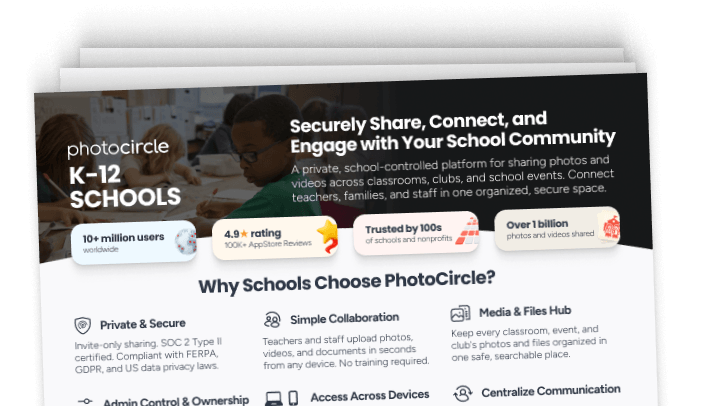
PhotoCircle is a private, school-controlled platform for sharing photos and videos. Collect classroom moments, school events, sports, and activities in one organized space with clear permissions for who can upload, who can view, and how content is shared.
Available on





NDPA on SDPC Registry (17 states)
TEC SDPA Provider
CITE CSPA Member (California)






SOC 2 Type II certified. NIST CSF aligned. Supports compliance with GDPR, CCPA/CPRA, PIPEDA, and the EU AI Act.
Trusted by Schools Worldwide






Simple for Schools to use
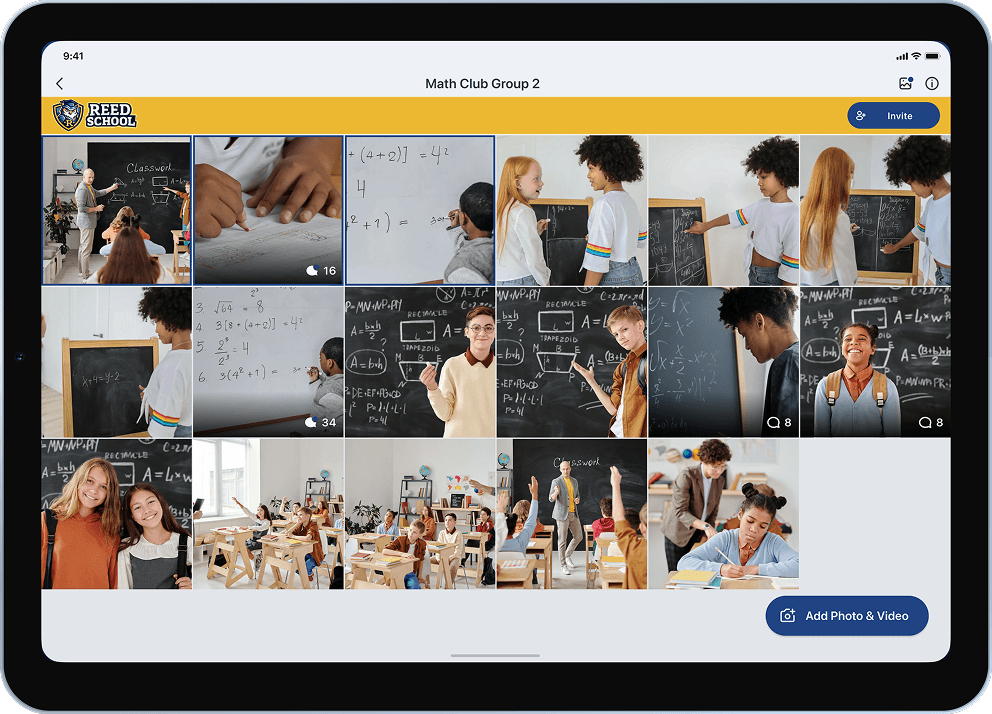
Teachers and staff can upload photos, videos, and documents in seconds from any device. No training required.

Deeper Connection with Families
Share classroom moments, events, and updates in one private space where families can access what matters — organized and secure.

School-Controlled Sharing
Invite-only sharing, fully managed by the school. Admins control who can access each class, group, or activity, with clear ownership and permissions.




Helping Schools Share What Matters

Share Classroom Moments
Give parents a window into everyday learning. Teachers share activities, projects, and milestones privately.

Capture Events & Activities
Capture field trips, performances, and sports days in one place. No chasing photos afterward.

Centralize Communication
Bring announcements, events, and moments into one private space for staff and families.

Media for Promotions & Yearbook
Keep the year's photos and videos organized for newsletters, yearbooks, and enrollment.

Support Clubs, Sports & Programs
Create a Circle for every team, club, and activity, with the right people and permissions.

Manage Sharing Across Classes
Organize content by class, grade, school, or campus. Admins can oversee every Circle from one place.
Security & Compliance
Protecting your data is our top priority. Here’s how we keep student photos and family privacy safe.


-
Private by design
Invite-only Circles. Only the families and staff your school adds can see photos.
-
Controlled by your school
Your school owns its photos and decides who can upload and view. Staff lose access when they leave.
-
Independently verified
SOC 2 Type II: an outside auditor checked our security practices over several months.
-
Built for student privacy laws
Supports FERPA, COPPA, and GDPR. Agreements signed in 17 states, including California.
How It Works
Simple to start. Easy to use.

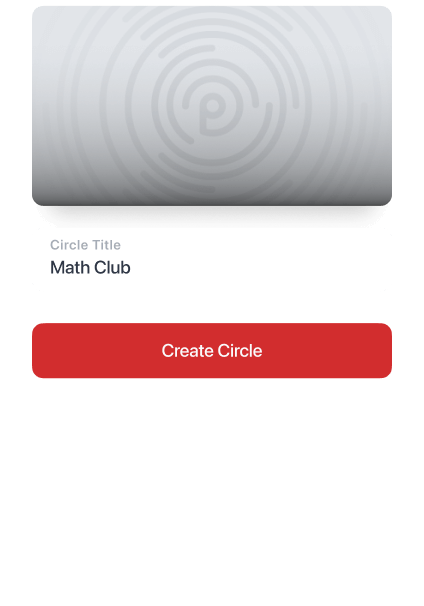
Create a Circle
Set up a private Circle for a class, club, team, or school event, creating a secure space for shared content.

Add and Share Media
Upload photos, videos, and other media with captions, comments, and reactions to keep everyone aligned.


Invite Families and Staff
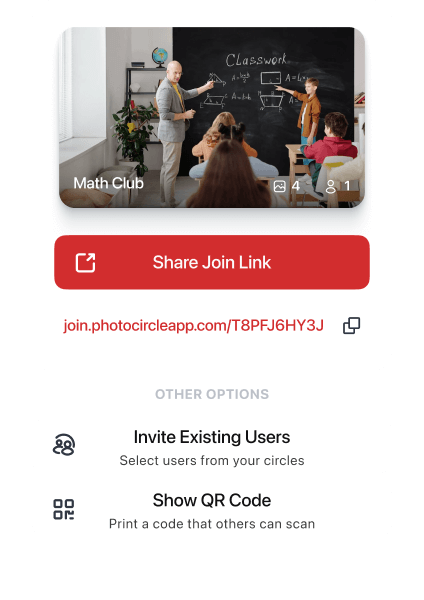
Easily add members through a shareable link, a scannable QR code, or via a direct invitation within the app.

Manage from Workspace
Organize your content, manage role-based access, and configure permissions, branding, and settings.
Admin Console — Roles & Permissions
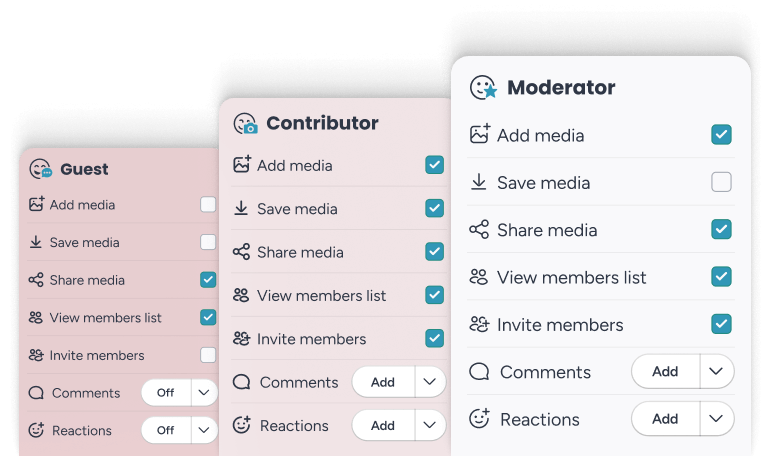
Manage access and content in one place. Assign the right roles to teachers, staff, contributors, and guests while keeping everything controlled and secure.
Access Across Devices
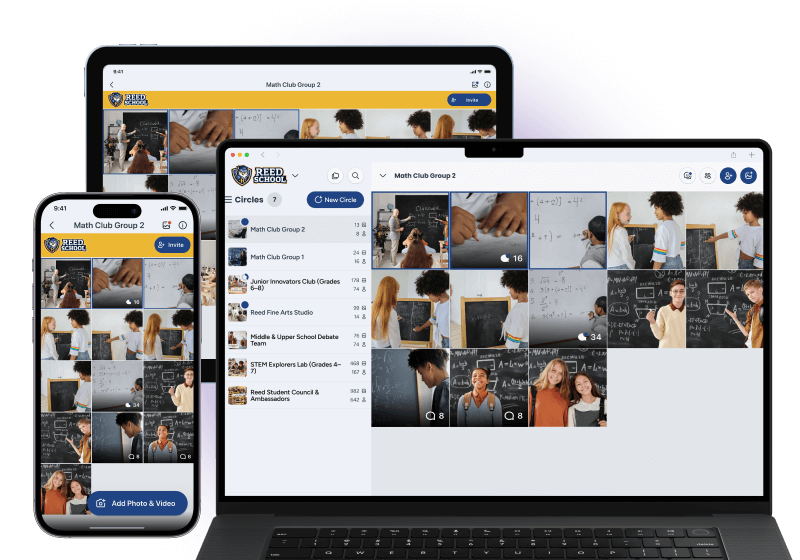
Use PhotoCircle on phone, tablet, or computer — whatever fits the school day.
Search & Organization
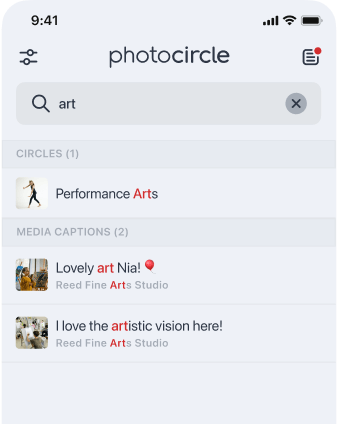
Easily find photos, videos, and documents, organized by class, event, or activity.
Canva Integration*
Quickly use your school’s photos and videos directly in Canva to create newsletters, websites, enrollment materials, or yearbooks.
* Available on School Core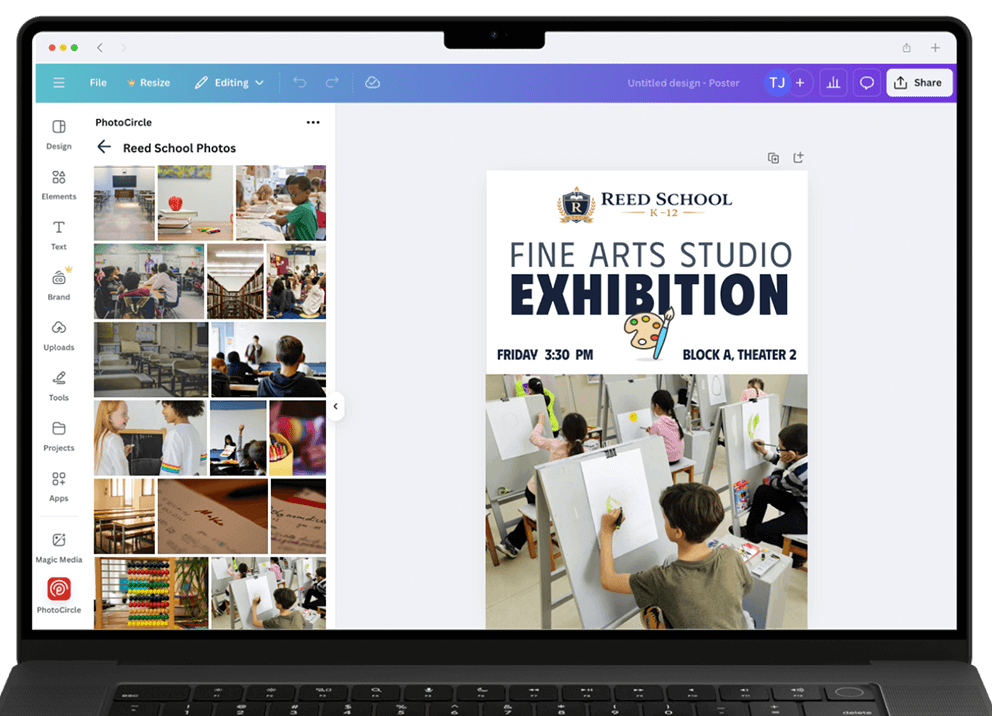
From Circle to Slideshow
Turn classroom and school moments into a simple slideshow — ready to share at events, meetings, or with families. No editing skills required.

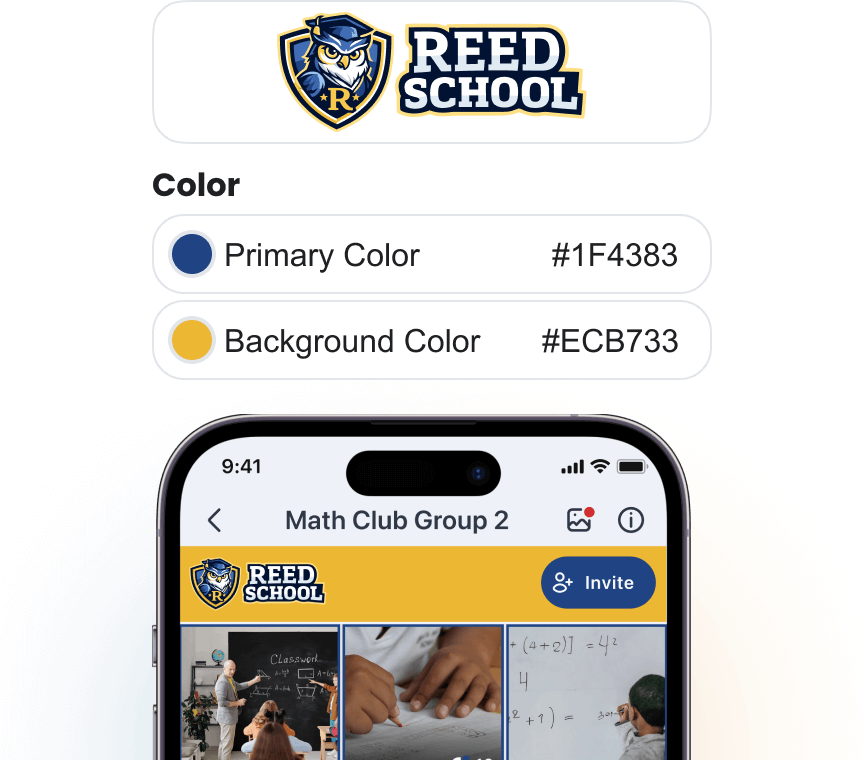
Your School’s Branding
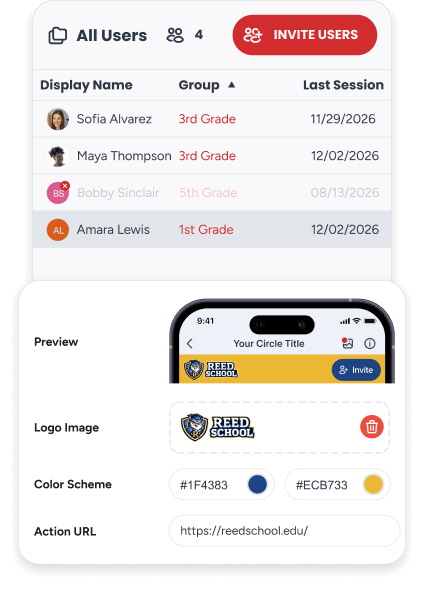
Add your school’s logo and colors to create a space that feels official and familiar.
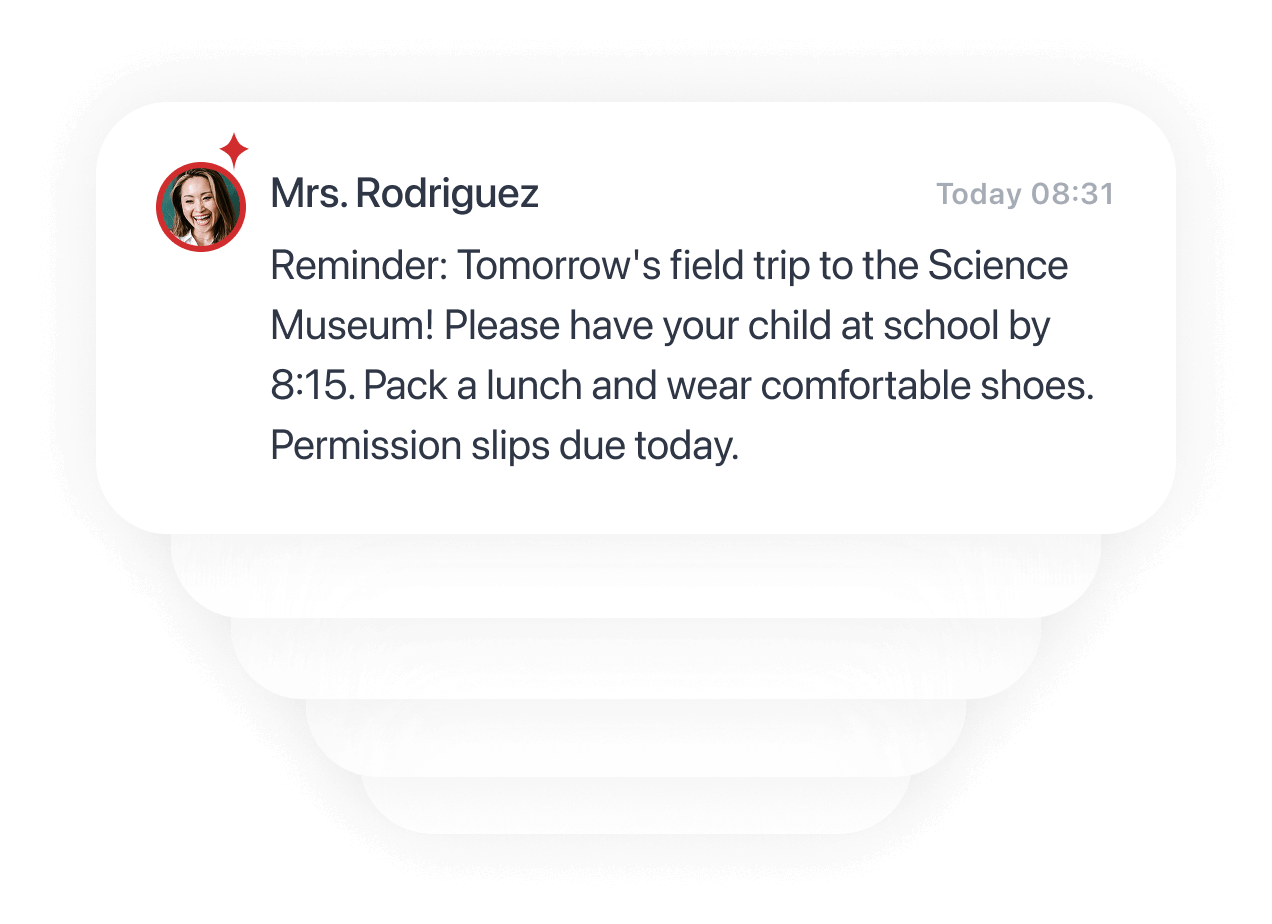
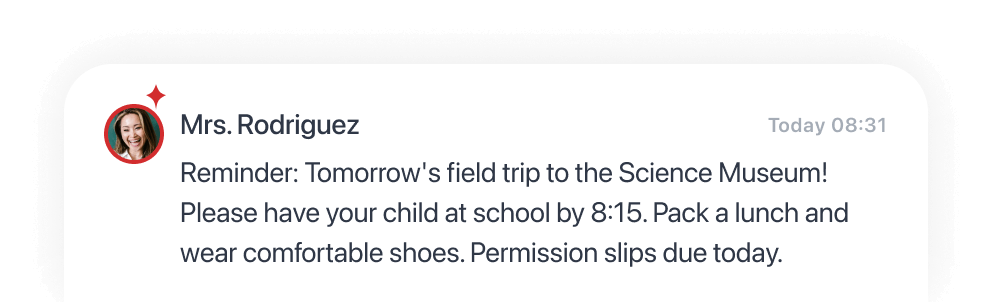
Announcements & Updates
Share visual announcements in the same place families go for photos. Higher visibility, less missed information.
Up to 90-Day Deleted Data Recovery
Restore photos, videos, or documents if something is removed by mistake, helping protect important school content.
*Starter 30-Day | Core 90-Day
See How Schools Use PhotoCircle
Read how schools use PhotoCircle to simplify communication and stay organized.


 How PhotoCircle Helped South Pike County School District Organize Photos and Tell Their Story
Share the Full Plan Overview With Your Team
Download the K–12 schools plan PDF — benefits, features, and plan comparisons all in one place.
Choose Your School Size and Plan
Predictable pricing based on school size. Organizational ownership. No surprises.School size is the number of students enrolled in the part of your school that will use PhotoCircle. For example, if you have an upper and lower school that consists of 1,200 students but PhotoCircle will only be used in the lower school (which has 800 students), 800 would be the correct enrollment number to use.
 K-12 Schools | School Starter$400/year for 1–249 students $750/year for 250–599 students $1,250/year for 600–1,499 students Custom Pricing for 1,500+ students | School Core$650/year for 1–249 students $1,200/year for 250–599 students $2,000/year for 600–1,499 students Custom Pricing for 1,500+ students |
|---|---|---|
| Unlimited teacher & staff moderator accounts |  | |
| Ad-Free | | |
| Media Package |  Standard Photos 3.1 MP | Videos 720p | Standard Photos 3.1 MP | Videos 720p optional upgrade to  High () Photos 12 MP | Videos 1080p |
| Mobile & Web Apps | | |
| Custom Branding | Single Branding for All Circles | Configurable per Group |
| Roles & Permissions | Global Configuration for All Circles | Configurable per Group |
| Moderation | Global Moderation for All Circles | Configurable per Group |
| Consent | Single Consent for All Circles | Configurable per Group |
| Canva Integration Web Only |  | |
| Deleted Data Recovery | 30-Day | 90-Day |
| Archiving | | |
| Search | | |
| Slideshow Web Only | | |
| Groups | | |
| Secondary Groups | | |
| 4 Minute Video Clips | | |
| Download Media (Single Item or All at Once) | | |
| Updates (Announcements) & Documents | | |
| SSO Enforcement | | |
| Enterprise SSO (SAML) | | |
| Domain Enforcement | | |
| Watermark Overlays | | |
| Admin Console | | |
| Account Ownership | Organization | Organization |

Not sure which plan fits your organization?
We support K–12 schools, programs & groups, and nonprofit & community — each with different needs.
Contact UsFrequently Asked Questions

Does PhotoCircle sell or share our data with anyone?
No. PhotoCircle never sells or shares names, contact information, photos, videos, or the contents of your Circles. Your school owns the content its staff upload.
Do you sign our student data privacy agreement?
Yes. PhotoCircle has signed the National Data Privacy Agreement (NDPA) and is listed on the Student Data Privacy Consortium (SDPC) Registry in 17 states, including California through CITE’s California Student Privacy Alliance (CSPA). We’re also a TEC Student Data Privacy Agreement provider. Contact us to set up an agreement for your district.
What is the difference between the Nonprofit & Community, Programs & Groups, and K-12 plans?
K-12 plans are for school-wide or district-wide use: one flat rate based on student enrollment covers unlimited teachers, admins, and support staff. Programs & Groups fits a single classroom or activity, Nonprofit & Community fits nonprofits, churches, and charities, and both are priced per seat.
Can I allow teachers to upload but only allow parents to view?
Yes. Teachers and staff join as Contributors or Moderators, so they can upload and share. Parents join as Guests, and your school decides what Guests can do: view only, or also add photos, comment, share, or download.
Can’t find what you’re looking for?
Visit the Help Center